Ethiopian eVisa Application Form Guide
Complete instructions for filling out your application correctly
The Ethiopian eVisa application form is straightforward, but accuracy is essential. Even small errors can lead to delays or application rejection. This comprehensive guide walks you through each section of the form, explaining what information is required and how to enter it correctly.
Before you begin, make sure you have all required documents ready, including your valid passport, digital photo, and payment method.
The entire application process typically takes 10-15 minutes when you have all necessary information at hand.
Before You Begin the Form
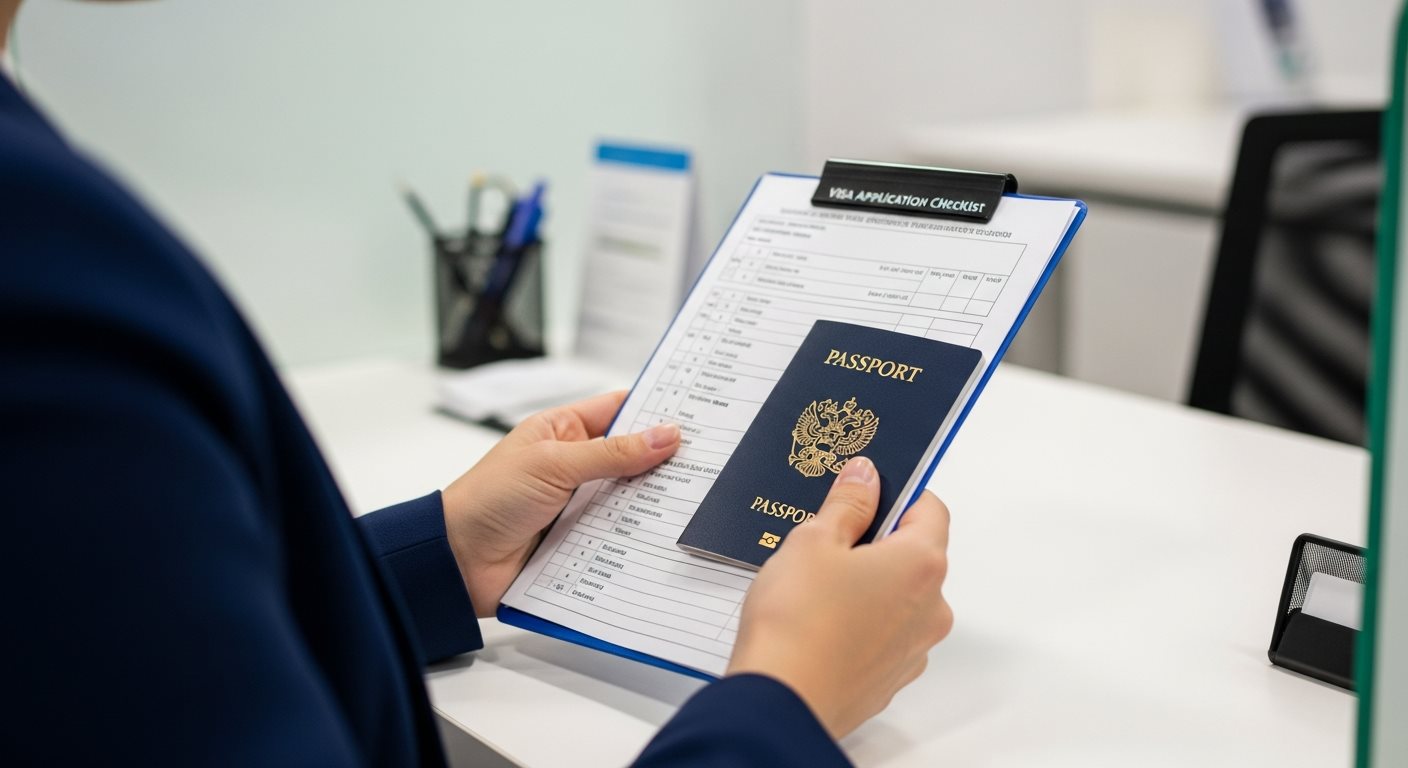
Preparation Checklist
Have these items ready before starting:
- Valid passport (physical copy to reference)
- Digital copy of passport bio-data page
- Digital passport-sized photograph
- Credit/debit card for payment
- Email address (for receiving eVisa)
- Travel dates and accommodation details
Important Guidelines
- Accuracy is critical: All information must match your passport exactly
- No editing after submission: Most forms cannot be changed once submitted
- Use English: Fill out the form in English using Latin characters
- Complete in one session: Some systems timeout after inactivity
Section 1: Personal Information
This section captures your basic personal details. All information must match your passport exactly.
Full Name
Given Name(s) / First Name:
- Enter your first and middle names exactly as shown in passport
- Include all middle names if they appear in passport
- Use the exact spelling, including hyphens or apostrophes
- Examples: "John Michael", "Mary-Anne"
Surname / Last Name / Family Name:
- Enter your surname exactly as in passport
- If you have multiple surnames, enter them all
- Maintain exact spelling and order
Common mistakes to avoid:
- ❌ Reversing first and last names
- ❌ Using nicknames instead of legal names
- ❌ Adding titles like "Mr." or "Dr."
- ❌ Changing word order from passport
Date of Birth
Format: Usually DD/MM/YYYY or MM/DD/YYYY
- Enter exactly as shown in passport
- Pay attention to date format (day/month/year vs month/day/year)
- Double-check the year
- Example: If born December 5, 1990, enter as 05/12/1990 (DD/MM/YYYY)
Gender
- Select Male, Female, or Other as indicated in passport
- Must match passport designation
Place of Birth
City and Country:
- Enter city/town where you were born
- Enter country of birth
- Match passport information if listed
- Use current country name (not historical)
Section 2: Nationality and Passport Details
Current Nationality
- Select your passport-issuing country from dropdown
- Must be from eligible countries list
- If dual citizen, choose the passport you're using for this application
Passport Number
Critical field - verify carefully:
- Enter the full passport number
- Include all letters and numbers
- Do not include spaces or special characters unless part of the number
- Example: "AB1234567" not "AB 1234567"
- Double-check: Incorrect passport number will invalidate your eVisa
Passport Issue Date
- Enter the date your passport was issued
- Found on passport bio-data page
- Follow the date format specified in the form
Passport Expiry Date
Important validity requirement:
- Enter the expiration date from your passport
- Must be at least 6 months from your intended entry date
- System may reject if validity is insufficient
- See passport validity requirements
Passport Issuing Country
- Select the country that issued your passport
- Usually same as nationality
- For dual citizens, select country of the passport being used
Section 3: Contact Information
Email Address
Critical - Your eVisa will be sent here:
- Enter a valid, active email address
- Use an email you check regularly
- Double-check spelling - one wrong character invalidates it
- Avoid temporary or disposable email addresses
- Your approved eVisa will be sent to this address
Email confirmation field:
- Re-enter the same email address
- Must match exactly
- Copy-paste is NOT recommended (masks errors)
Phone Number
Include country code:
- Enter with international country code
- Format: +1-555-123-4567 or +44-20-1234-5678
- Remove leading zeros after country code
- Example: UK number 07700 900000 becomes +44-7700-900000
Current Residential Address
Complete address fields:
- Street Address: House/apartment number and street name
- City/Town: Your city of residence
- State/Province: If applicable to your country
- Postal/ZIP Code: Your area code
- Country: Country of residence
Section 4: Travel and Visit Information
Purpose of Visit
Select appropriate category:
- Tourism: Sightseeing, vacation, visiting friends/family
- Business: Meetings, conferences, trade activities
- Transit: Passing through Ethiopia to another destination
Choose the category that matches your primary reason for visiting. See visa types for details.
Intended Date of Arrival
- Enter your planned arrival date in Ethiopia
- You must enter within 90 days of eVisa issue date
- Can be approximate - exact date flexibility allowed
- Ensure passport validity extends 6 months beyond this date
Port of Entry
Select where you'll enter Ethiopia:
- Most travelers select: Addis Ababa Bole International Airport
- Other options may include land borders or other airports
- eVisa is valid only at designated eVisa entry points
Duration of Stay
Select visa duration:
- 30 days: Stay up to 30 days from entry
- 90 days: Stay up to 90 days from entry
- Choose based on your planned trip length
- Longer duration has higher fee
- See validity information
Accommodation in Ethiopia
Hotel or address information:
- Enter hotel name if staying at hotel
- Or enter host's address if staying with friends/family
- City/location in Ethiopia
- Can be approximate - doesn't lock you into specific hotel
Section 5: Document Upload
Passport Scan Upload
Bio-data page requirements:
- Upload clear scan or photo of passport bio-data page
- Page with your photo and personal information
- All four corners must be visible
- No glare or shadows obscuring text
- File format: Usually JPEG or PDF
- File size: Typically max 2 MB
Photograph Upload
Digital photo specifications:
- JPEG format required
- Maximum 200 KB file size
- White background
- Recent photo (within 6 months)
- 2x2 inches, passport-style
- See complete photo requirements
Common upload issues:
- File too large - compress before uploading
- Wrong format - convert to JPEG
- Poor quality - use clear, high-resolution images
- Slow connection - use stable internet
Section 6: Review and Payment
Final Review Checklist
Before submitting, carefully verify ALL information:
✓ Personal Information
- Name matches passport exactly
- Date of birth is correct
- Gender matches passport
✓ Passport Details
- Passport number is accurate
- Issue and expiry dates are correct
- Nationality is correct
✓ Contact Information
- Email address is correct (double-check!)
- Phone number includes country code
- Address is complete
✓ Travel Information
- Purpose of visit is appropriate
- Dates are logical
- Duration matches your travel plans
✓ Documents
- Passport scan is clear and complete
- Photo meets all requirements
- Files uploaded successfully
Payment
Completing your application:
- Review fee amount based on visa type selected
- Enter payment card details securely
- Verify billing address if required
- Check accepted payment methods
- See current fees
After Submission
- Save your application reference number
- You'll receive immediate payment confirmation email
- Application confirmation will follow
- Track your application status
- Typical processing time is 3-5 business days
Common Application Form Mistakes
Avoid these frequent errors that lead to delays or rejection:
Top 10 Form Mistakes
- Name mismatch with passport - Even slight variations cause problems
- Incorrect passport number - One wrong digit invalidates your eVisa
- Wrong email address - You won't receive your eVisa
- Transposed dates - Mixing up DD/MM/YYYY with MM/DD/YYYY
- Insufficient passport validity - Less than 6 months remaining
- Wrong visa type for purpose - Tourism vs Business
- Incomplete address - Missing city or postal code
- Poor quality uploads - Blurry or incomplete document scans
- Phone number without country code - Can't contact you if needed
- Not reviewing before submit - Rush leads to oversights
Frequently Asked Questions
This depends on the specific system. Some eVisa platforms allow saving progress, while others require completion in one session. To be safe, prepare all documents beforehand and complete the form in one sitting to avoid losing your information due to session timeout.
Most applications cannot be edited after submission. Minor errors may be corrected during processing, but significant mistakes (like wrong passport number) will result in rejection. If you notice a critical error immediately after submitting, contact support. You may need to submit a new application.
With all documents prepared, the form typically takes 10-15 minutes to complete. However, if you need to gather information or documents while filling it out, it may take longer. We recommend having everything ready before starting.
You need general accommodation information (hotel name or host address) but it doesn't have to be final. You can change hotels after receiving your eVisa. The requirement is mainly to have a plan for where you'll stay in Ethiopia.
Yes, another person can complete the form on your behalf as long as they have access to all your documents and accurate information. This is common for families, travel agents, or assistance services. However, all information must still be accurate and match your passport exactly.
Ready to Fill Out Your Application?
With this guide, you're well-prepared to complete your Ethiopian eVisa application accurately. Take your time, double-check all information, and you'll have your eVisa approved in no time.
Begin Your ApplicationView Requirements How to Apply
Need Help? Contact our support team:
Email: support@evisa.express |
Phone: +44 2031 293 603