Ethiopian eVisa Application Process
Your complete guide to applying online
Applying for an Ethiopian eVisa is a straightforward online process that can be completed in just 10-15 minutes. The electronic visa system eliminates the need for embassy visits, allowing you to apply from anywhere in the world with an internet connection.
This comprehensive guide walks you through each step of the application process, from preparing your documents to receiving your approved eVisa via email. Whether you're applying for a tourist, business, or transit visa, the process remains largely the same.
Before you begin, make sure you have all the required documents ready, including a valid passport, digital photo, and payment method.
Before You Start Your Application
Essential preparations for a smooth process
Required Documents and Information
Ensure you have the following items ready before beginning your application:
✓ Valid Passport
- Must be valid for at least 6 months from entry date
- Digital scan or clear photo of bio-data page
- Check passport requirements
✓ Digital Photograph
- JPEG format, maximum 200 KB
- White background, recent photo
- Review photo specifications
✓ Payment Method
- Valid credit or debit card
- Sufficient funds for visa fee
- Check accepted payment methods
✓ Travel Information
- Intended arrival date in Ethiopia
- Accommodation details (optional but recommended)
- Purpose of visit
Check Your Eligibility
Before applying, confirm that your country is on the list of eligible countries for the Ethiopian eVisa. Citizens from over 200 countries can apply online.
Step-by-Step Application Process
Step 1: Access the eVisa Application Portal
Begin by visiting the Ethiopian eVisa application portal. The system is accessible 24/7 and works on all devices including computers, tablets, and smartphones.
What to do:
- Navigate to the application page
- Select "Apply for eVisa" or similar option
- Choose your nationality from the dropdown menu
- Select the type of visa you need (tourist, business, or transit)
Step 2: Complete Personal Information
The application form will ask for your personal details. Accuracy is crucial - all information must match your passport exactly.
Information required:
- Full name (as it appears in passport)
- Date of birth
- Gender
- Nationality
- Place of birth
- Current address
- Email address (where you'll receive your eVisa)
- Phone number
Important tips:
- Double-check spelling of your name
- Use the same name format as your passport
- Ensure email address is correct and accessible
- Provide a working phone number for contact
Step 3: Enter Passport Details
You'll need to provide information from your passport. Have your passport handy for this section.
Passport information needed:
- Passport number
- Passport issue date
- Passport expiration date
- Issuing country
- Issuing authority (if requested)
Remember: Your passport must be valid for at least 6 months from your intended date of entry into Ethiopia.
Step 4: Provide Travel Information
Enter details about your planned trip to Ethiopia.
Travel details required:
- Intended arrival date (you must enter within 90 days of eVisa issue date)
- Port of entry (usually Addis Ababa Bole International Airport)
- Purpose of visit (tourism, business, or transit)
- Duration of stay (select 30 or 90 days based on your needs)
- Accommodation details (hotel name and address, if known)
Choose the correct visa type and duration that matches your travel plans. Learn more about visa validity periods.
Step 5: Upload Required Documents
You'll need to upload digital copies of your documents. Make sure files meet the specified format and size requirements.
Documents to upload:
- Passport bio-data page: Clear scan or photo showing your photo and personal information
- Passport-sized photograph: JPEG format, white background, recent photo
- Additional documents: For business visas, you may need invitation letters or other supporting documents
File requirements:
- Format: JPEG or PDF (check system requirements)
- Size: Usually maximum 200 KB per file
- Quality: Clear and legible
- Color: Full color for passport copy
Step 6: Review Your Application
Before submitting, carefully review all information you've entered. This is crucial because most applications cannot be edited after submission.
Verification checklist:
- ✓ Name matches passport exactly
- ✓ Passport number is correct
- ✓ Dates are accurate (birth date, passport dates, travel dates)
- ✓ Email address is correct
- ✓ Uploaded documents are clear and complete
- ✓ Selected visa type matches your purpose
Take your time reviewing. Errors can lead to delays or application rejection.
Step 7: Complete Payment
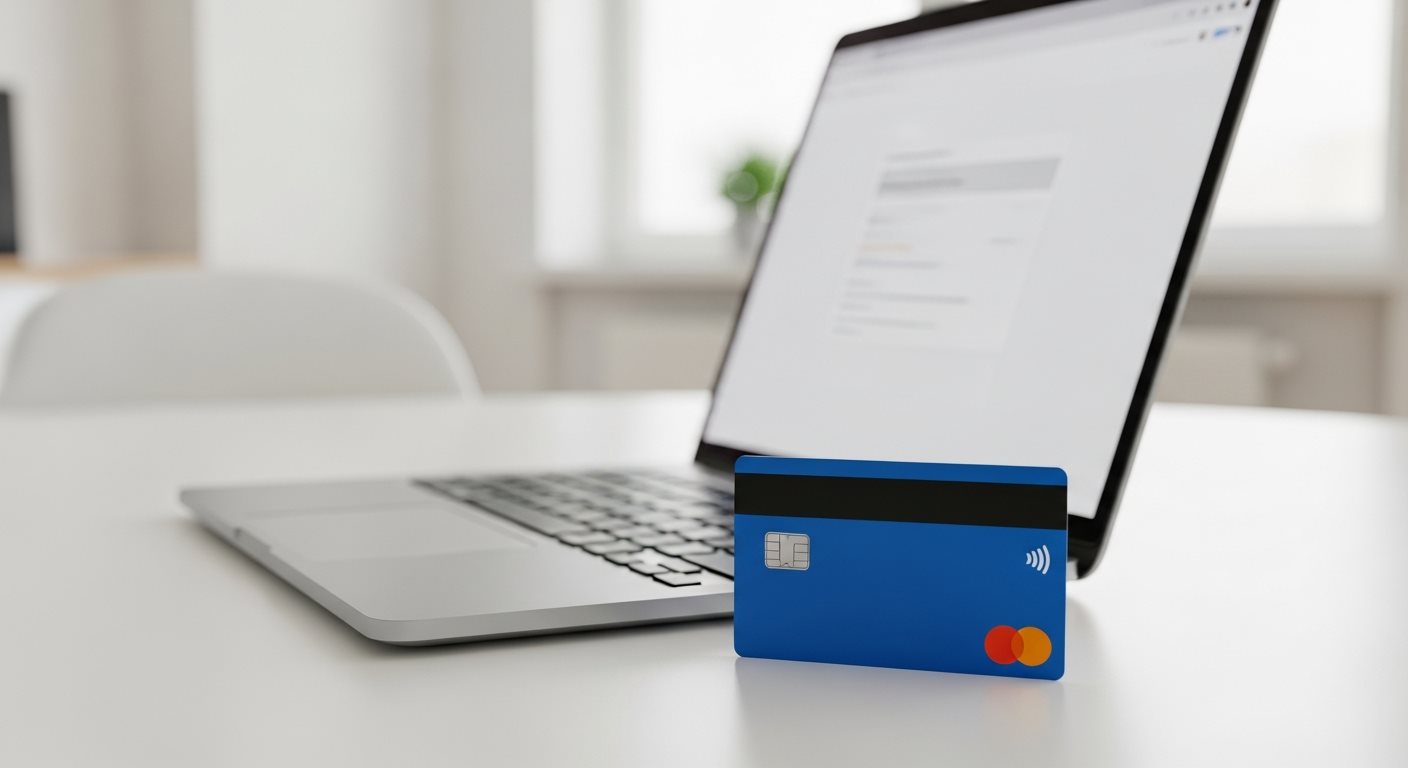
Paying Your Visa Fee
Once you've reviewed and confirmed all details, proceed to payment. The eVisa system uses secure payment processing for safe transactions.
Payment information:
- Accepted methods: Credit cards, debit cards (Visa, Mastercard, others)
- Currency: Payment is processed in USD
- Security: Encrypted and secure payment gateway
Visa fees:
- 30-day visa: $52 USD
- 90-day visa: $72 USD
- Transit visa: $32 USD
For complete fee information, visit our eVisa fees page.
After payment:
- You'll receive an immediate payment confirmation
- An application reference number will be provided
- Save this reference number to track your application
After Submitting Your Application
What Happens Next
After successful payment, your application enters the processing phase.
Processing timeline:
-
Immediate Confirmation (within minutes)
You'll receive an email confirming receipt of your application with your reference number. -
Under Review (1-3 business days)
Your application and documents are reviewed by Ethiopian immigration authorities. -
Decision Made (3-5 business days)
Most applications are approved within this timeframe. Check processing times for details. -
eVisa Issued
Once approved, your eVisa will be sent to your email as a PDF attachment.
Track Your Application Status
You can monitor your application progress using your reference number. Most applicants receive updates via email, but you can also check the status online.
Receiving Your eVisa
When your eVisa is approved, you'll receive an email with your visa document attached as a PDF.
What to do with your eVisa:
- Print multiple copies - Keep both printed and digital versions
- Verify all details - Check that all information is correct
- Carry when traveling - Bring printed copy to present at immigration
- Keep accessible - Store digital copy on your phone or email
Troubleshooting Common Application Issues
Technical Problems During Application
Issue: Unable to upload documents
- Check file size (should be under 200 KB)
- Ensure file is in JPEG format
- Try compressing the image
- Use a different browser if problem persists
Issue: Payment declined
- Verify card has sufficient funds
- Check if card is enabled for international transactions
- Contact your bank to authorize the transaction
- Try a different payment method
Issue: Session timeout
- Prepare all documents before starting
- Complete application in one sitting
- Save information periodically if system allows
- Start fresh if session expires
Application Errors
If you discover an error after submission, contact support immediately. Depending on the stage of processing, corrections may be possible. For serious errors, you may need to submit a new application.
Tips for a Successful Application
Best Practices
- Apply in advance: Submit at least 7-10 days before travel
- Use reliable internet: Stable connection prevents timeouts
- Have documents ready: Prepare everything before starting
- Check photo quality: Ensure it meets all requirements
- Verify passport validity: Must be valid for 6+ months
- Double-check information: Review before submitting
- Save reference number: Keep for tracking and records
- Print eVisa: Carry physical copy when traveling
What to Avoid
- Last-minute applications: May not process in time
- Incorrect information: Leads to rejection
- Poor quality photos: Common rejection reason
- Expired passport: Application will be denied
- Wrong visa type: Choose based on your purpose
- Incomplete forms: Fill all required fields
- Using old documents: Ensure all docs are current
If you're traveling with children or minors, note that each person needs their own eVisa, including infants.
Frequently Asked Questions
The actual application process takes about 10-15 minutes if you have all documents ready. However, processing your application after submission takes 3-5 business days. We recommend applying at least one week before your travel date.
This depends on the specific eVisa system being used. Some platforms allow you to save progress, while others require completion in one session. To be safe, prepare all documents beforehand and complete the application in one sitting to avoid session timeouts.
Most eVisa applications cannot be edited after submission. Minor errors may be corrected during processing, but significant mistakes could result in rejection. If you notice an error immediately after submission, contact support right away. For major errors, you may need to submit a new application.
If your travel dates change but you can still enter Ethiopia within the 90-day validity period of your eVisa, you don't need a new application. The eVisa is valid for 90 days from issue, allowing flexibility with exact travel dates. However, if your visa expires before your new travel date, you'll need to apply again.
Yes, another person can complete the application for you as long as they have access to all your required documents and information. This is common for families, groups, or when using travel agencies. However, the information must still be accurate and match your passport.
Ready to Start Your Application?
Follow these steps for a successful Ethiopian eVisa application
Now that you understand the complete application process, you're ready to apply for your Ethiopian eVisa. The online system is designed to be user-friendly, and with proper preparation, you can complete your application quickly and efficiently.
Begin Your eVisa ApplicationReview Requirements Check Application Status
Need Assistance? Our support team is available to help:
Email: support@evisa.express |
Phone: +44 2031 293 603